
UK IPTV Service with Clear Pricing and Setup Help
UKStream4K offers fixed-term IPTV plans for UK viewers — £40 for 3 months, £55 for 6 months or £70 for a year — with plain-English guides for setting up on Amazon Fire TV, Samsung and LG Smart TVs and other compatible player apps.
Prices in GBP · No free trial is currently offered

Choose a Plan Length
Three fixed-term plans priced in British pounds. Every plan includes the same service; only the length and price differ.
3 Months
- Service access for 3 months
- M3U playlist link and Xtream Codes login details
- Electronic Programme Guide (EPG) support
- Works with compatible player apps on Firestick, Samsung, LG and more
- Step-by-step device and setup guides
- Technical help with setup and configuration
6 Months
- Service access for 6 months
- M3U playlist link and Xtream Codes login details
- Electronic Programme Guide (EPG) support
- Works with compatible player apps on Firestick, Samsung, LG and more
- Step-by-step device and setup guides
- Technical help with setup and configuration
1 Year
- Service access for 12 months
- M3U playlist link and Xtream Codes login details
- Electronic Programme Guide (EPG) support
- Works with compatible player apps on Firestick, Samsung, LG and more
- Step-by-step device and setup guides
- Technical help with setup and configuration
All prices are in British pounds (GBP). Each plan covers a fixed period of 3, 6 or 12 months. Monthly figures are the total price divided by the number of months and are shown for comparison only. No free trial is currently offered.
What UKStream4K Offers
UKStream4K is a UK IPTV service for households that already have, or plan to buy, an Amazon Fire TV Stick, a Samsung or LG Smart TV, or another device that runs a compatible player app. As well as the subscription itself, we explain setup, how to judge any IPTV provider and the legal context in plain English, and our team can help with setup where applicable.

Made for UK Viewers
Guides written for UK households and devices, including how to keep programme guide times correct when the clocks change between GMT and BST.
Clear, Fixed Pricing
Three plans priced in pounds: £40 for 3 months, £55 for 6 months and £70 for 1 year. Every plan includes the same service; only the length differs.
Standard Login Formats
Your login works as an M3U playlist link or as Xtream Codes details, so you can use a compatible player app that suits your device.
Device Setup Guides
Step-by-step instructions for Amazon Fire TV Stick and Samsung (Tizen) and LG (webOS) Smart TVs, using apps from each device’s official store.
Honest Buyer Guidance
A buyer’s guide that explains how to judge any IPTV service — pricing, compatibility, support and red flags — rather than ranking providers.
UK Legal Context
A plain-English overview of UK copyright law and TV Licensing, with links to Ofcom, the IPO, TV Licensing and other official sources.
How It Works
Getting started with UKStream4K is simple. Choose your device, check your setup, select a plan and contact our team for assistance.
Step 1: Choose Your Device
Start with the TV, Fire TV device, Smart TV, phone, tablet or other compatible device you plan to use.
Step 2: Check Your Setup
Make sure your device, internet connection and preferred player are suitable for the viewing experience you want.
Step 3: Choose Your Player
Use a compatible media player and check that it supports the login method and features you need.
Step 4: Get Your Setup Ready
Follow the relevant setup guide for your device, or ask our team for help choosing and setting up an application where applicable.
Step 5: Choose Your Subscription
Select the subscription period that suits you:3 Months£406 Months£551 Year£70
Step 6: Get Support
Need help? Contact UKStream4K via WhatsApp or email and our team can assist with setup and configuration where applicable.
Ready to get started?
Choose your subscription and complete your order through our simple WhatsApp order process.
View PlansSetup Guides for Popular UK Devices
Pick your device for step-by-step instructions, or start with the general setup guide if you want to understand the login formats first.
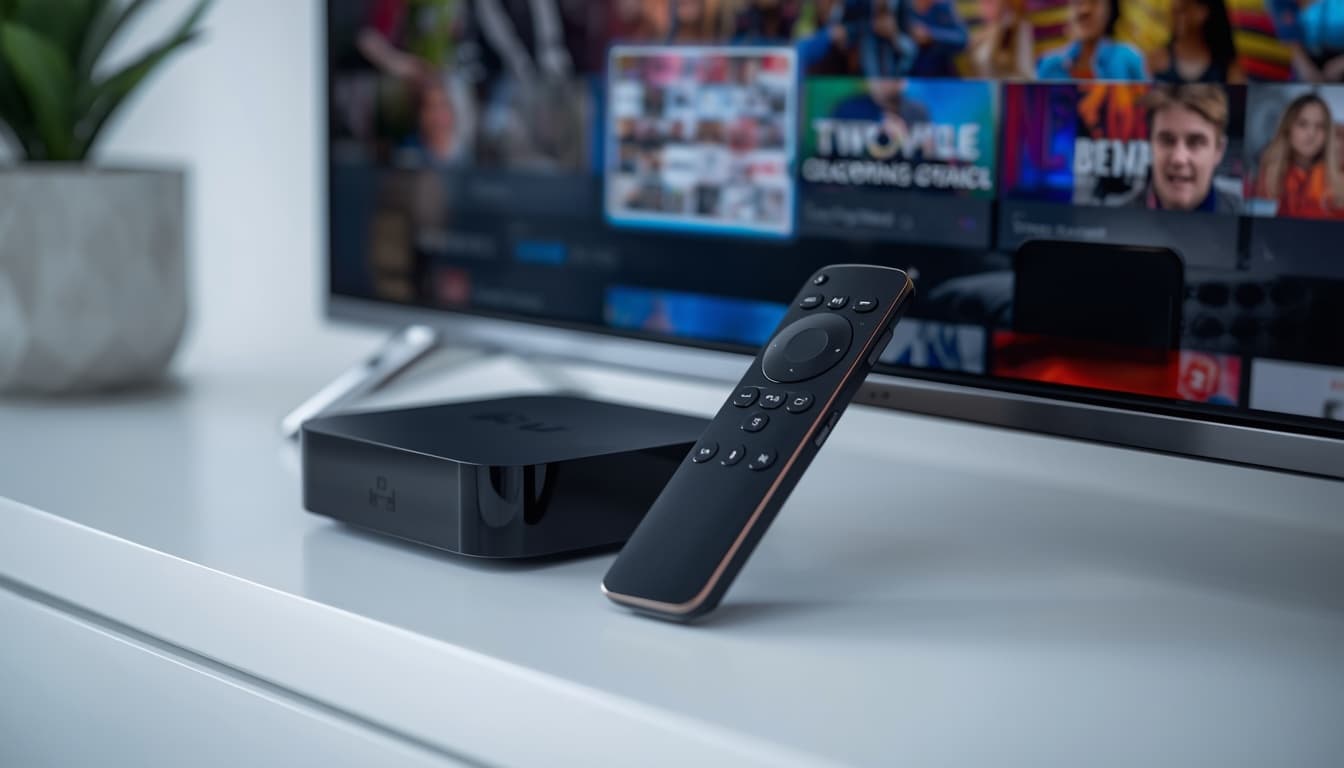
Amazon Fire TV Stick
Prepare your Fire TV Stick, install a compatible player from the Amazon Appstore and enter your login details.
Firestick guide →
Samsung & LG Smart TVs
Install a player from the Samsung or LG app store, including how MAC-address playlist upload works.
Smart TV guide →
M3U, Xtream Codes & EPG
What each login format is, which details it needs, and how to fix the most common setup errors on any player.
General setup guide →How to Judge Any IPTV Service
Whichever provider you consider, including us, check the basics before paying. Our buyer's guide explains each point in detail.
- Clear GBP pricing: the full price and plan length are shown before you pay.
- Standard formats: M3U or Xtream Codes details that work in player apps from official stores.
- A working programme guide: EPG listings that match UK time through GMT and BST.
- Realistic claims: no "zero buffering" guarantees, fake review badges or "lifetime" deals.
IPTV and UK Law
Frequently Asked Questions
UKStream4K is a UK-focused IPTV subscription service. It offers three fixed-term plans priced in GBP and publishes setup guides for common UK devices, a buyer’s guide and an overview of the UK legal position.
There are three plans: 3 months for £40 (about £13.33 a month), 6 months for £55 (about £9.17 a month) and 1 year for £70 (about £5.83 a month). All prices are in British pounds.
No free trial is currently offered. The shortest plan is 3 months for £40.
Choose a plan to open the order page, tell us about your setup and pick a payment method, then send your order via WhatsApp. We reply with payment instructions and next steps.
Any device that runs a player app supporting M3U playlists or Xtream Codes logins. We publish guides for Amazon Fire TV Stick and Samsung and LG Smart TVs; the general setup guide also covers players on Apple TV, Android TV and computers.
As a rough guide, allow around 10 Mbps for each HD stream and around 25 Mbps for 4K, plus headroom for anything else using your connection. A wired Ethernet connection or 5GHz Wi-Fi is usually more stable than 2.4GHz Wi-Fi.
If you watch or record live TV on any channel, or use BBC iPlayer, on any device in the UK, you need to be covered by a TV Licence. This applies however the programmes reach you, including over the internet.