
IPTV Subscription UK
Three fixed-term plans for UK viewers, priced in British pounds, with help choosing and setting up your application where applicable.
An IPTV subscription gives you login details that you enter into a compatible player app on your TV, streaming stick, phone or computer. UKStream4K is an IPTV subscription service for UK households, with three plan lengths and the same service on every plan.
If you are comparing options for an IPTV subscription in the UK, this page sets out our prices, how ordering works, which payment methods we accept, what happens after you order and how we can help with setup.
Choose Your Plan
Choose the IPTV subscription period that suits your viewing setup. Every plan includes the same service; only the length and total price differ.
3 Months
- Service access for 3 months
- M3U playlist link and Xtream Codes login details
- Electronic Programme Guide (EPG) support
- Works with compatible player apps on Firestick, Samsung, LG and more
- Step-by-step device and setup guides
- Technical help with setup and configuration
6 Months
- Service access for 6 months
- M3U playlist link and Xtream Codes login details
- Electronic Programme Guide (EPG) support
- Works with compatible player apps on Firestick, Samsung, LG and more
- Step-by-step device and setup guides
- Technical help with setup and configuration
1 Year
- Service access for 12 months
- M3U playlist link and Xtream Codes login details
- Electronic Programme Guide (EPG) support
- Works with compatible player apps on Firestick, Samsung, LG and more
- Step-by-step device and setup guides
- Technical help with setup and configuration
All prices are in British pounds (GBP). Each plan covers a fixed period of 3, 6 or 12 months. Monthly figures are the total price divided by the number of months and are shown for comparison only. No free trial is currently offered.
Plans and Prices at a Glance
| Plan | Total price | Approx. per month |
|---|---|---|
| 3 Months | £40 | £13.33 |
| 6 Months | £55 | £9.17 |
| 1 Year | £70 | £5.83 |
What Every Plan Includes
The service is identical across all three plans:
M3U & Xtream Codes Login Details
You receive an M3U playlist link and Xtream Codes details (server URL, username and password), so you can use whichever compatible player suits your device.
Programme Guide (EPG) Support
Programme guide data for use in your player app. The setup guide explains how to load it and how to correct a one-hour GMT/BST offset.
Wide Device Compatibility
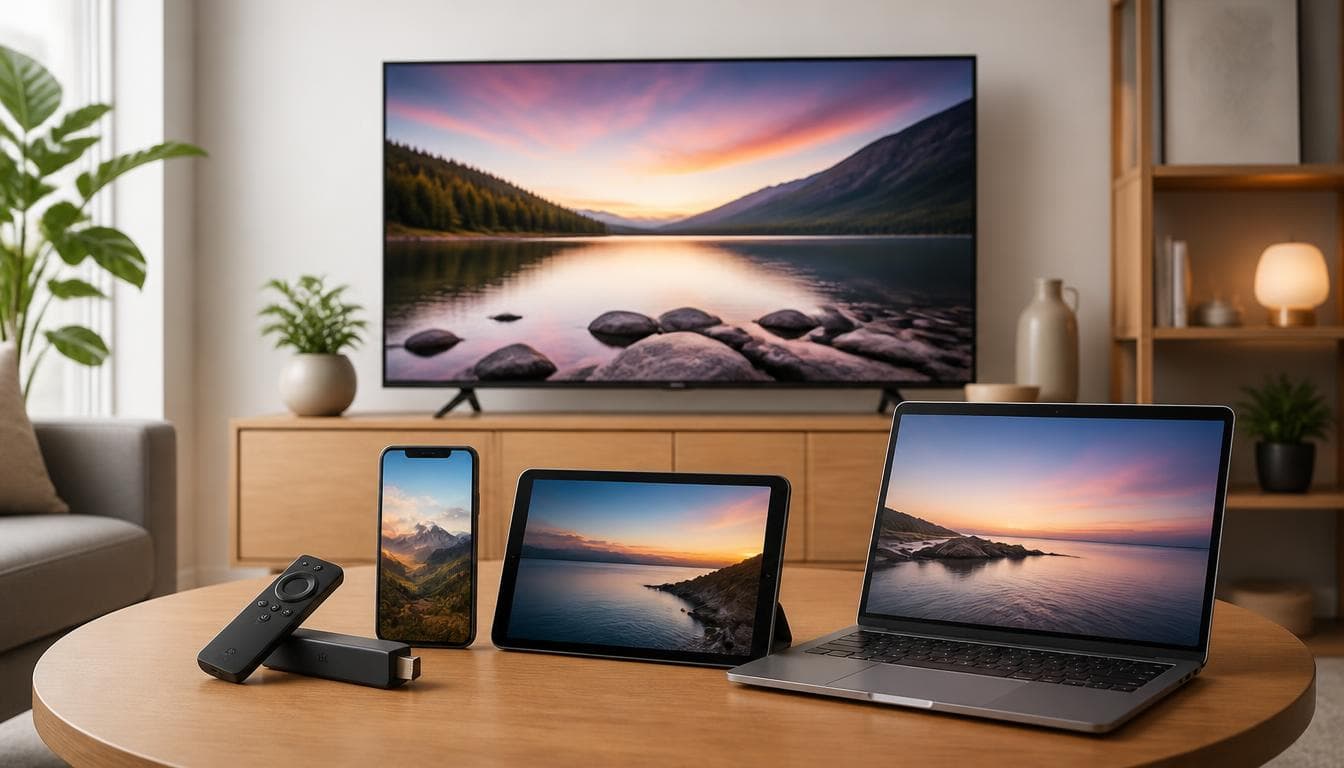
Works in compatible player apps on Amazon Fire TV Stick, Samsung and LG Smart TVs, Apple TV, Android TV, phones, tablets and computers.
Fixed-Term Plans
Each plan covers a set period of 3, 6 or 12 months, priced as a single total.
Step-by-Step Setup Guides
Guides for Firestick, Samsung and LG TVs, plus a general guide to M3U, Xtream Codes and EPG for any other player.
Setup Help
Help with server details, player configuration and programme guide issues if the guides do not solve a problem.
How an IPTV Subscription Works
Most IPTV subscriptions follow the same pattern: you pay for a period of access, receive login details and enter them into a player app. When you subscribe to IPTV with UKStream4K, ordering takes six steps.
Step 1: Choose a subscription period
3 months (£40), 6 months (£55) or 1 year (£70). Every plan includes the same service; only the length and total price differ.
Step 2: Tell us about your application
Let us know whether you already have a player app or would like help choosing and setting one up.
Step 3: Pick a preferred payment method
Choose PayPal, Stripe, Wise, Western Union, MoneyGram or Bank Card. This is only a preference: nothing is charged on the website.
Step 4: Send your order via WhatsApp
The “Order via WhatsApp” button opens a message with your choices already filled in, ready for you to send.
Step 5: Receive payment instructions
Our team replies with instructions for your chosen payment method and the next steps.
Step 6: Get your login details and set up
Once your order is confirmed, you receive your login details. Follow our guides, or ask for setup assistance where applicable.
The order page does not take payment or ask for card details; it simply prepares your WhatsApp message.
Payment Methods and Support
Payment methods
You choose your preferred method on the order page. Payment instructions for it are sent after you contact us; no payment details are collected on this website.
- PayPal
- Stripe
- Wise
- Western Union
- MoneyGram
- Bank Card
Customer support
Support is available through WhatsApp and email, for questions before you order and for help with setup where applicable.
- WhatsApp: use the button at the end of the order page
- Email: support@streamb4.com
IPTV Subscription UK: What to Consider
Before you subscribe to IPTV in the UK, it is worth checking a few practical points. They apply to any UK IPTV subscription, not only ours.
Device compatibility
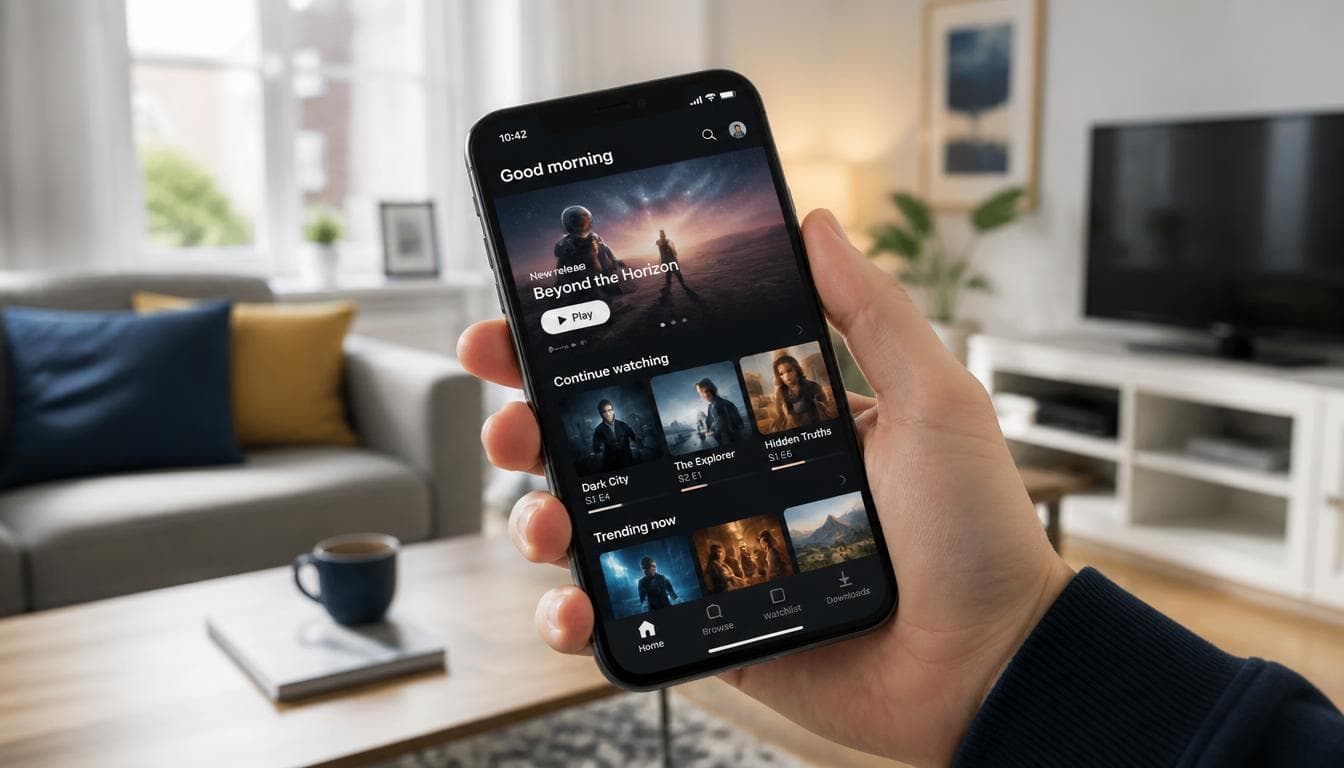
Check that the service works on the devices you already own. UKStream4K login details work in compatible player apps on Amazon Fire TV Stick, Samsung and LG Smart TVs, Apple TV, Android TV, phones, tablets and computers. See the Firestick setup guide or the Smart TV guide for device-specific steps.
Media player compatibility
The player app matters as much as the subscription. Check that it is available in your device’s official app store and supports the login format you plan to use.
Playlist and login formats
You can connect with an M3U playlist link or with Xtream Codes details (server URL, username and password). Most TV apps offer an Xtream Codes login; some Smart TV apps ask you to upload an M3U link instead. Our setup guide explains both.
Programme guide (EPG)
A working programme guide shows what is on and what is next. Every UKStream4K plan includes EPG support, and the setup guide explains how to correct a one-hour offset when the clocks change between GMT and BST.
Setup assistance
If you are new to IPTV, it helps to know whether someone can guide you through setup. Our team can help with choosing an app, entering login details and programme guide issues where applicable.
Payment and support
Know how you will pay and how to reach the provider before ordering. Our payment methods and support channels are listed above.
Choose Your Application
A subscription gives you login details; the player app is what you watch through. UKStream4K does not make or operate these apps. They are independent products from their own developers, and availability varies by app store, region and device model, so check the store listing on your device.
If you are looking for an IPTV Smarters Pro subscription, note that IPTV Smarters Pro is a player app and does not come with channels of its own. You enter the login details from a service such as UKStream4K into the app, using Xtream Codes or an M3U link. The same applies to the other apps listed below.
Amazon Fire TV Stick
Firestick guide →Example apps: TiviMate, IPTV Smarters Pro
Login format: Xtream Codes / M3U
Samsung Smart TV (Tizen, 2017 onwards)
Smart TV guide →Example apps: Smart IPTV, IBO Player, IPTV Smarters
Login format: Xtream Codes / MAC-based playlist upload
LG Smart TV (webOS 3.0 onwards)
Smart TV guide →Example apps: Smart IPTV, IBO Player, SS IPTV
Login format: Xtream Codes / MAC-based playlist upload
Apple TV, iPhone & iPad
General setup guide →Example apps: GSE Smart IPTV, IPTV Smarters
Login format: Xtream Codes / M3U
Android TV, Google TV & Nvidia Shield
General setup guide →Example apps: TiviMate, IPTV Smarters
Login format: Xtream Codes / M3U
Windows PC & Mac
General setup guide →Example apps: VLC Media Player, IPTV Smarters
Login format: M3U / Xtream Codes
The apps above are examples, not endorsements. Not sure which one to use? Choose “I need help choosing and setting up an application” when you order and our team will help where applicable.
Frequently Asked Questions
An IPTV subscription is paid access, for a set period, to a service delivered over the internet rather than by aerial, satellite or cable. You receive login details, such as an M3U playlist link or Xtream Codes details, and enter them into a compatible player app. UKStream4K plans run for 3, 6 or 12 months.
Prices vary between providers. UKStream4K plans cost £40 for 3 months, £55 for 6 months and £70 for 1 year, priced in British pounds. Some player apps charge their own licence fee, which is paid to the app developer and is separate from your subscription.
Choose a plan above to open the order page, pick your application option and a preferred payment method, then press “Order via WhatsApp”. Our team replies with payment instructions and the next steps. You can also contact us by email.
PayPal, Stripe, Wise, Western Union, MoneyGram and Bank Card. You choose your preferred method on the order page, and instructions are sent after you contact us. No payment details are collected on this website.
No. UKStream4K does not currently offer a free trial. You can choose from the 3-month, 6-month or 1-year subscription options and contact our team if you need help choosing or setting up your application.
No. All three plans include the same service, login formats, programme guide support, setup guides and setup help. Only the length and total price differ.
They are the total price divided by the number of months, rounded to the nearest penny: £40 ÷ 3, £55 ÷ 6 and £70 ÷ 12. They are shown for comparison only; each plan is priced as a single total.
Yes, where applicable. Choose “I need help choosing and setting up an application” on the order page and our team will suggest options for your device. Whether a particular app works depends on the app and the device.
Yes, with a compatible player app from the Amazon Appstore that supports Xtream Codes or M3U. Our Firestick setup guide walks through preparing the device, installing a player and entering your login details.
Yes, on Samsung (Tizen) and LG (webOS) Smart TVs that can run a compatible player app. Some Smart TV apps connect through MAC-address playlist upload, and some charge their own licence fee. The Smart TV guide covers both.
We reply on WhatsApp with payment instructions for your chosen method. Once your order is confirmed, your login details are issued with setup instructions. While you wait, you can install a player app using the device guides.
Yes. Every plan includes programme guide (EPG) support. Most players load the guide automatically with an Xtream Codes login; the setup guide explains how to add it with an M3U link and how to fix a one-hour time offset.
Yes. Setup help covers server details, player configuration and programme guide issues where applicable. Contact us via WhatsApp or by email with your device model, player app and any error message.
You can enter your login details on any compatible device. The number of devices that can stream at the same time is not set out on this page, so ask about it before ordering if you plan to watch on several screens at once.
Your plan runs for the period you chose: 3, 6 or 12 months. If you want to know exactly when the period starts or how renewal works, ask before ordering.
Reddit threads can include useful first-hand experiences, but they are often out of date and hard to verify. Whichever provider you consider, check current pricing, device compatibility, service terms and the legal position for yourself before paying.